
Automatic effects
After recording, flowy automatically applies effects and offers you suggestions.

flowy gives your screen recordings the initial structure, while keeping the creative decisions in your hands.
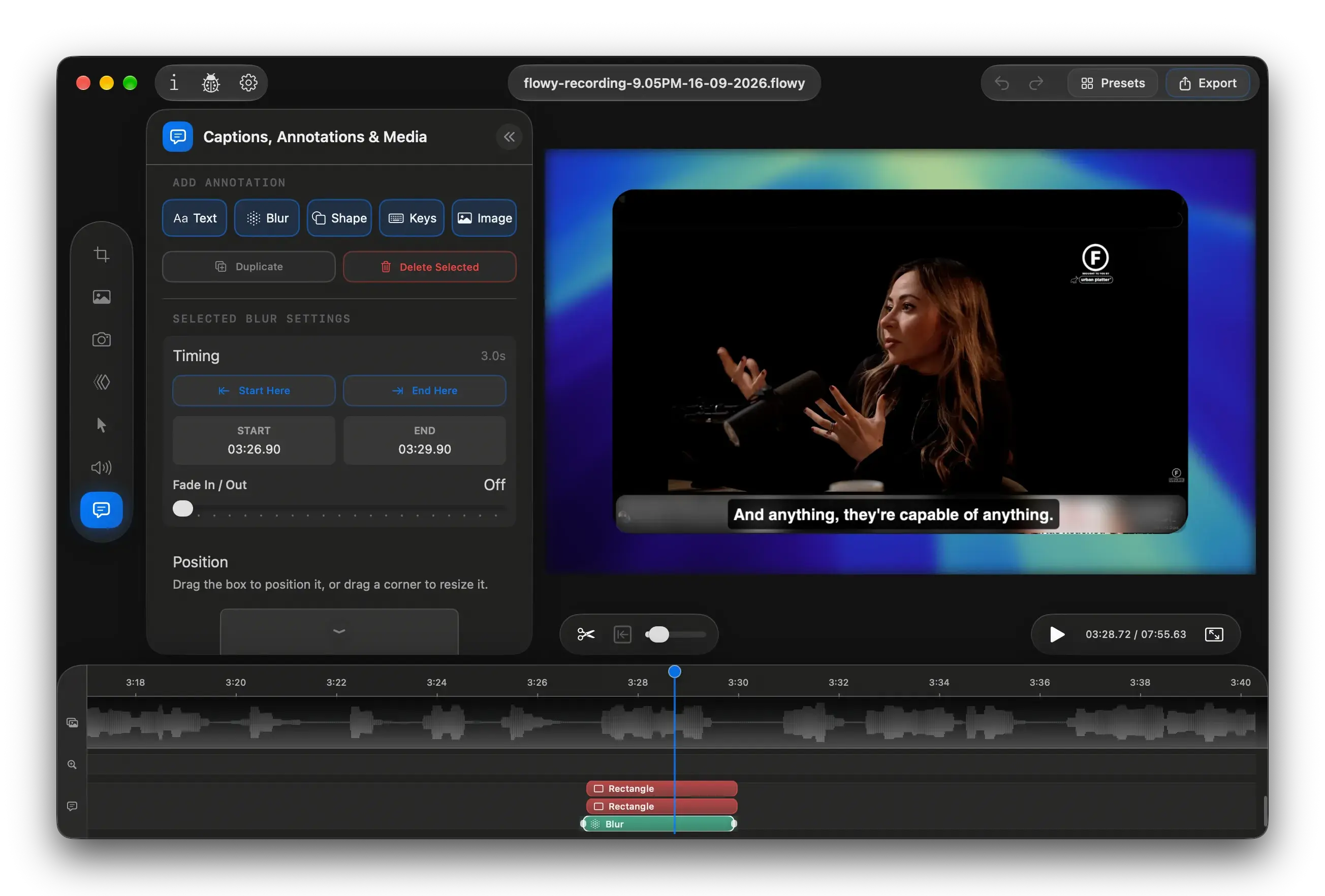
After recording, flowy automatically applies effects and offers you suggestions.
Output ratio, background, zooms, cursor, camera, captions and annotations.
Choose the format, resolution and fps to export a video ready for any platform.
Explore our most impactful capabilities, and how they make it easy to create stunning product demos, tutorials, and presentations.
Effortlessly zoom in on important areas of your screen during recording or editing. Animations are automatically applied based on your cursor movements and interactions, but you can always customize them in the editor.
Effortlessly zoom in on important areas of your screen during recording or editing. Animations are automatically applied based on your cursor movements and interactions, but you can always customize them in the editor.
Choose the output format that works for you. Whether you need a widescreen, square, or vertical video, flowy recordings will look stunning on any platform. "Zoomed In" embeds the screen recording into the selected aspect ratio, following the cursor around.
Blur, change and stylize your background to match the selected aspect ratio and make zooms look smooth. You have a wide selection of images such as Landscapes, Abstract or Gradients, but you can also upload your own.
Your webcam will be overlayed on the recording with customizable size, shapes and positions. You can also tweak it by tenths of a second to perfectly sync it with the audio.
Your cursor is automatically enhanced by using a modern pointer with a bigger scale and tilt, making it look like it smoothly flow around the screen. You can also choose from a variety of pointer styles and effects to make it stand out even more.
This is the comprehensive list of recorder and editor functionalities. Expand to view the full set of current capabilities.
*new versions constantly come out - stay updated on our subreddit
Transparent changelog. No subscriptions. Buy once, keep forever.
Get flowy for Mac