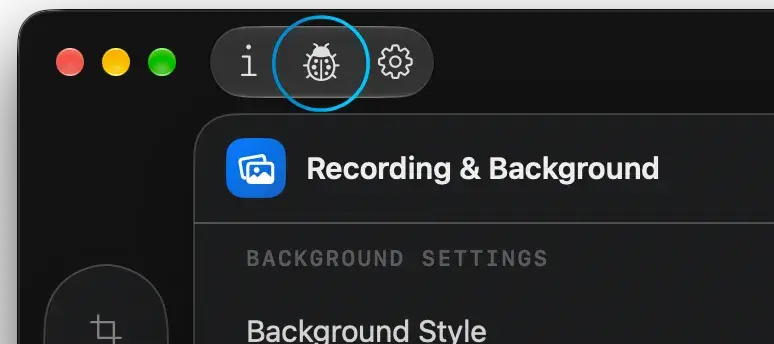
Open Report Center
Start a report from the Editor, using the designated toolbar button.

Reach out anytime - open the in-app Report Center to share what happened, and stay in the loop for any follow-up.
Other inquiries? Contact now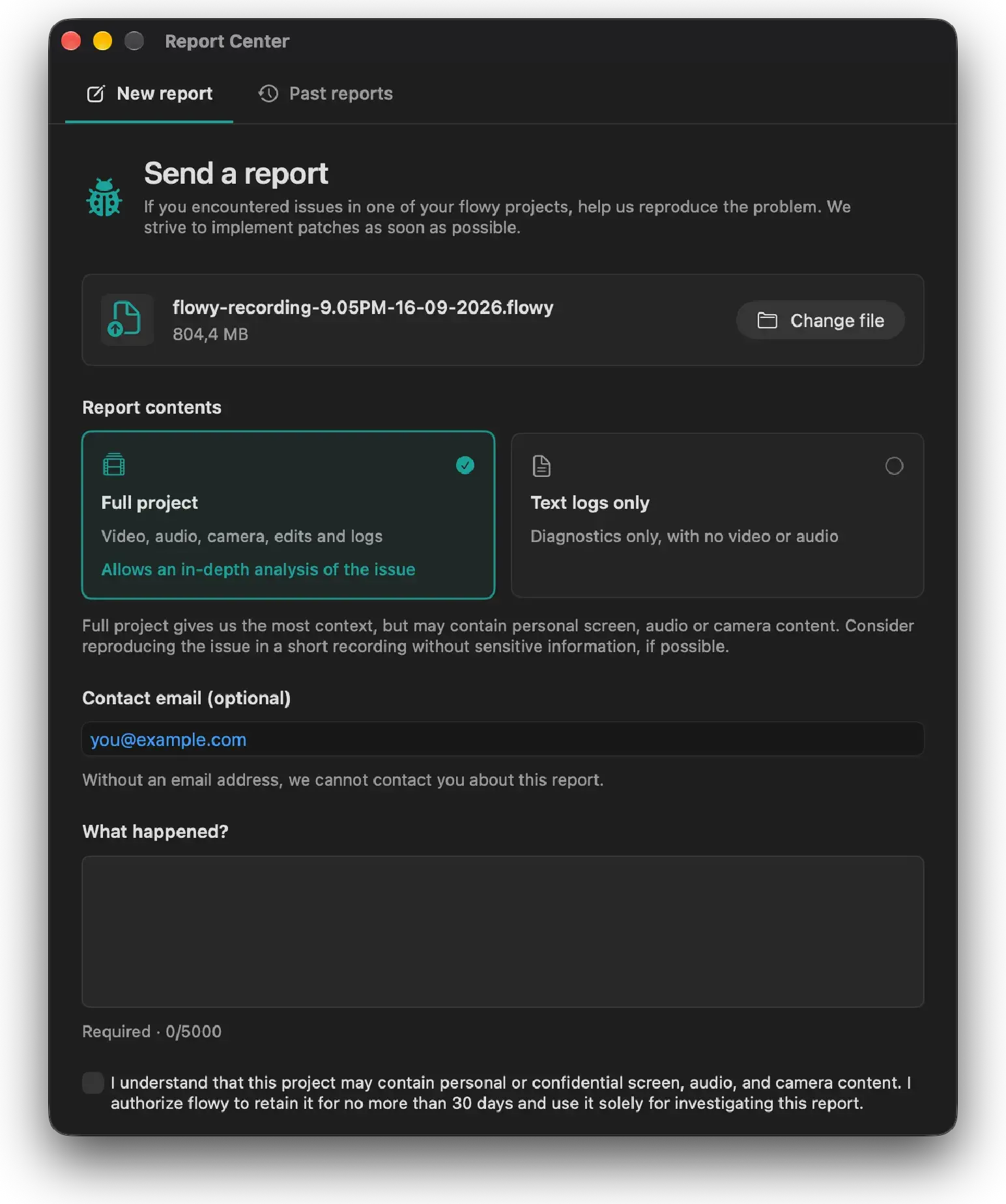
Reach us in seconds
Start a report from the Editor, using the designated toolbar button.
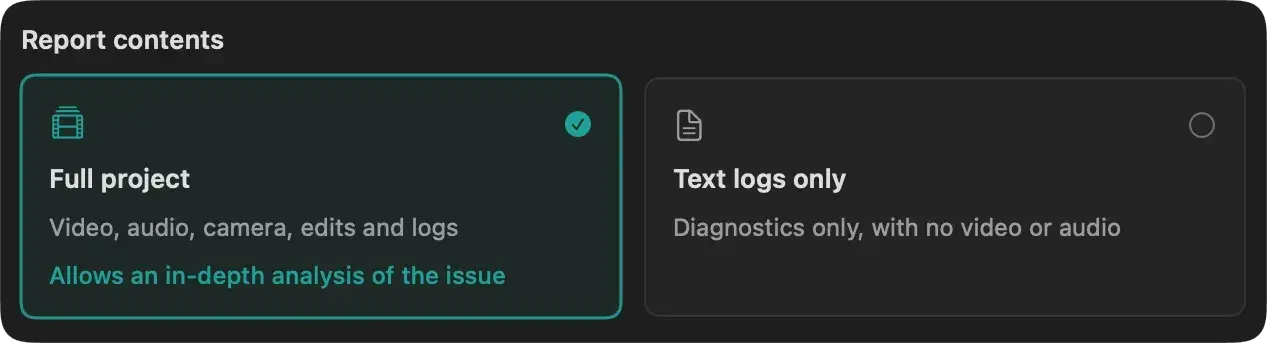
Send text-only logs, or include your whole .flowy project when the issue needs more context. The files are stored temporarily for diagnostic purposes only.
After submitting the report, an email thread will be created in case further details are needed.