01 / Enhance
Clean up the first draft.
Use on-device AI to enhance the transcript, making it easier to read. Edit any part of it as needed.

Transcribe microphone audio, system audio, or both. Refine the words with on-device AI, then bring them straight into your video edit.
Your audio. Your Mac.
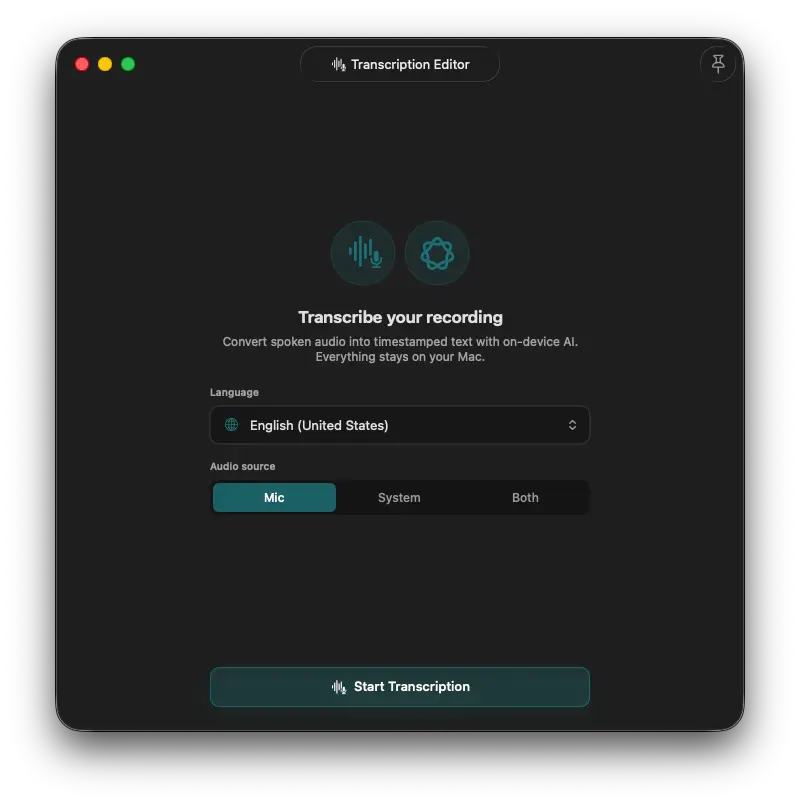
Everything is ready in the app. Choose the language and audio source, then start a transcription right from the editor. The result is timestamped text, ready to refine or use in your video.
Select the spoken language before transcription begins.
Use your microphone, system audio, or both.
Get timestamped text, ready to export or embed in the video.
Language support
Choose from 30 supported language and locale options before you start transcription.
On-device AI
Enhance the text or get a useful overview, with AI processing that runs on your Mac. Requires Apple Intelligence enabled, and macOS 26.0 or later.
01 / Enhance
Use on-device AI to enhance the transcript, making it easier to read. Edit any part of it as needed.
02 / Summarize
Generate a concise summary from the audio. Pass a custom prompt for more specific results.
Transcript to timeline
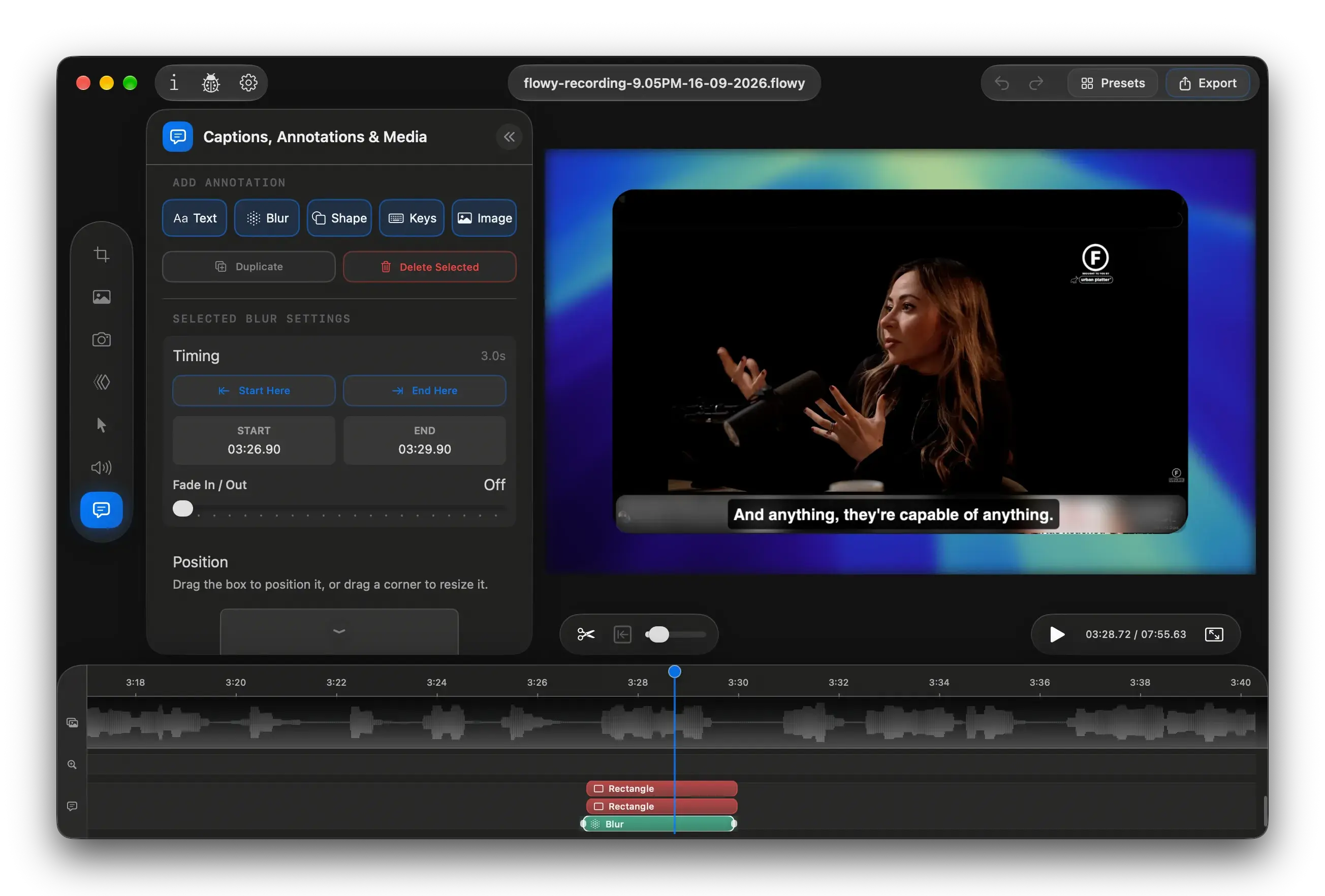
Add your transcription as captions in the flowy editor, then overlay on the recording.
Need captions elsewhere? Export as SRT/VTT files or plain text.