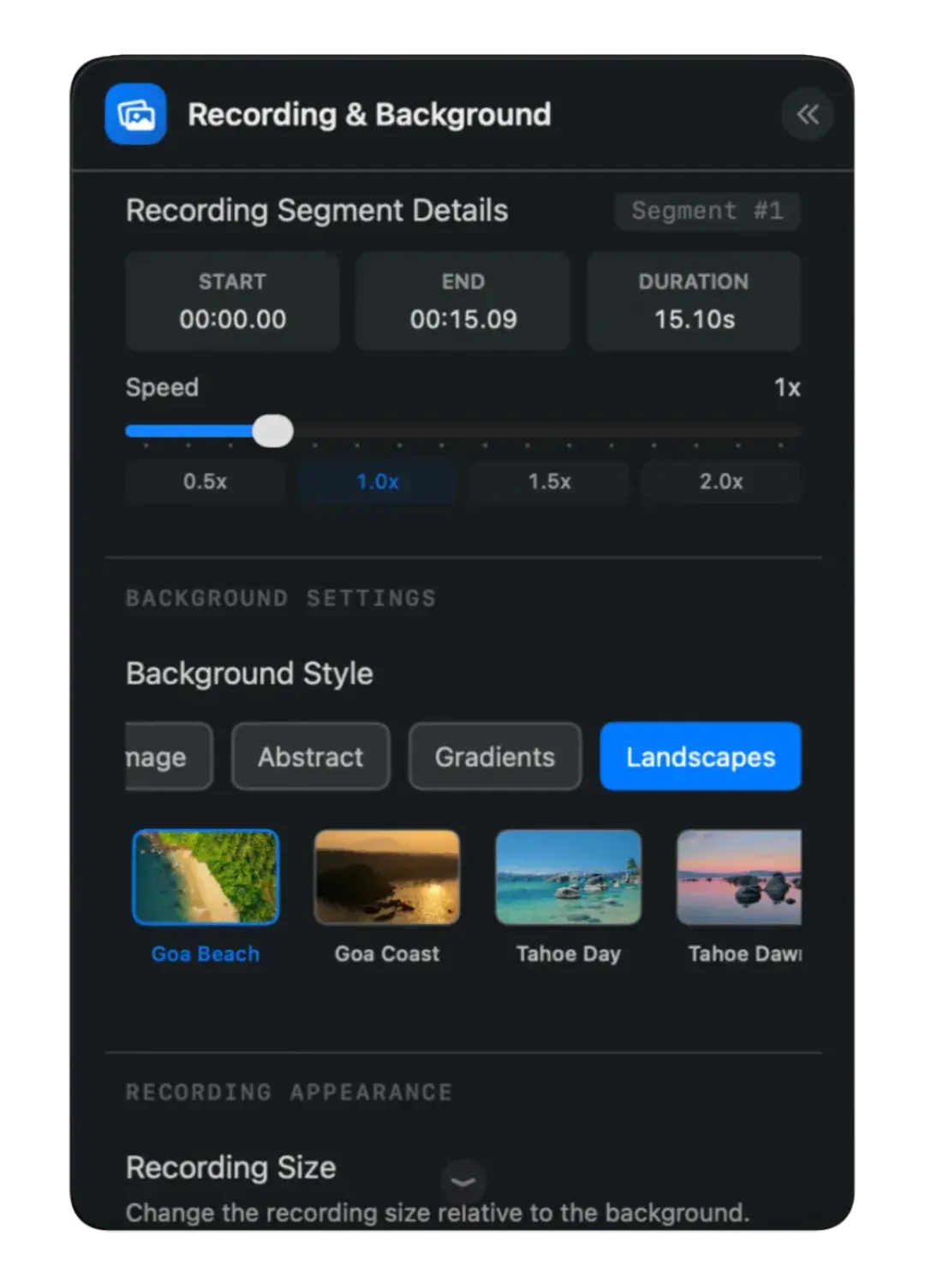
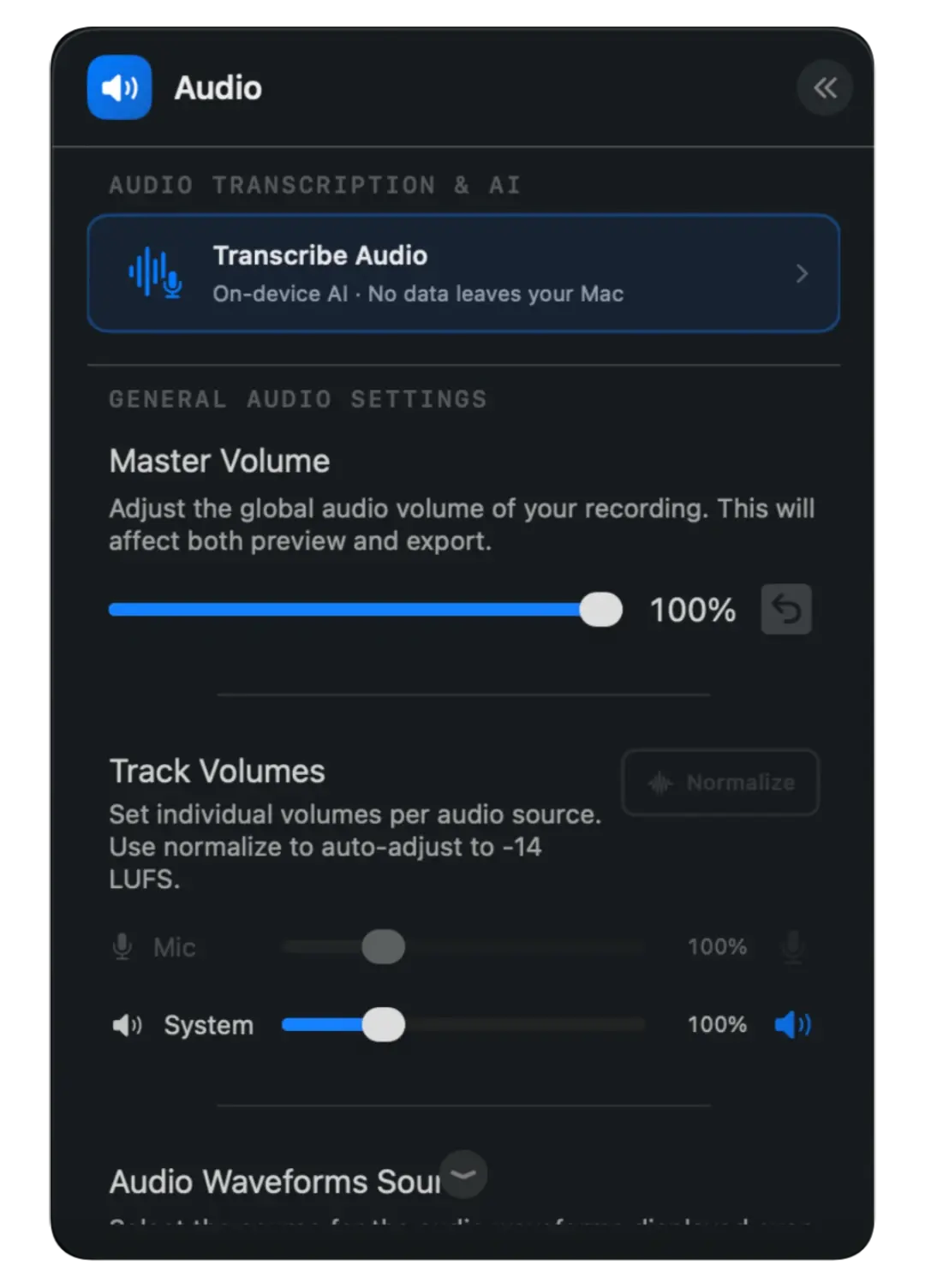
Editing tools shouldn't slow you down - flowy automatically animates your screen recordings based on your interactions.
Explore real-world examples of our powerful Mac screen recorder.
All examples created solely using flowy.
The "Zoomed In" feature makes the recording follow the cursor around, allowing you to target any screen size
A professional editor for turning screen recordings into polished demos, tutorials, and walkthroughs without a pile of complicated tools.
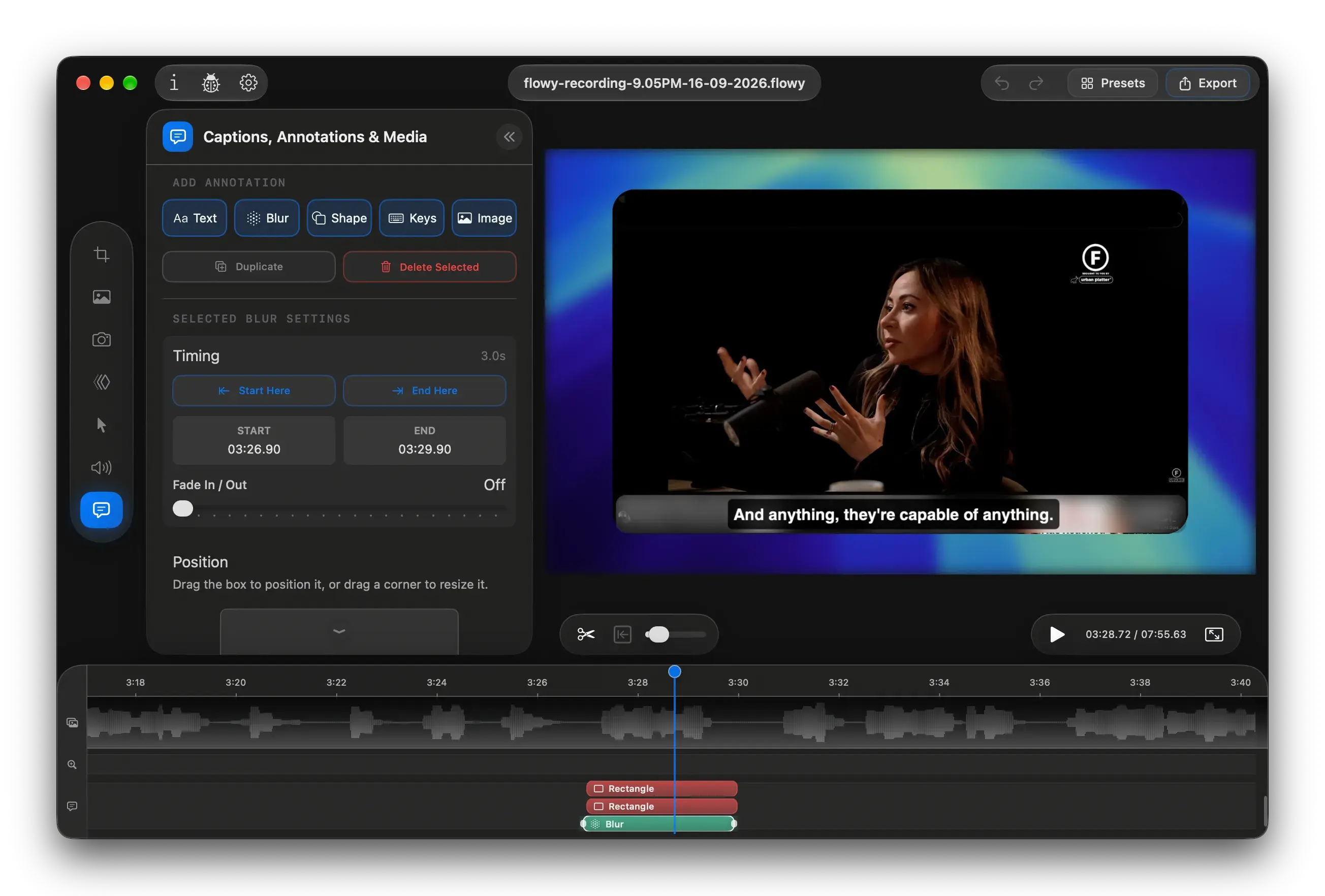
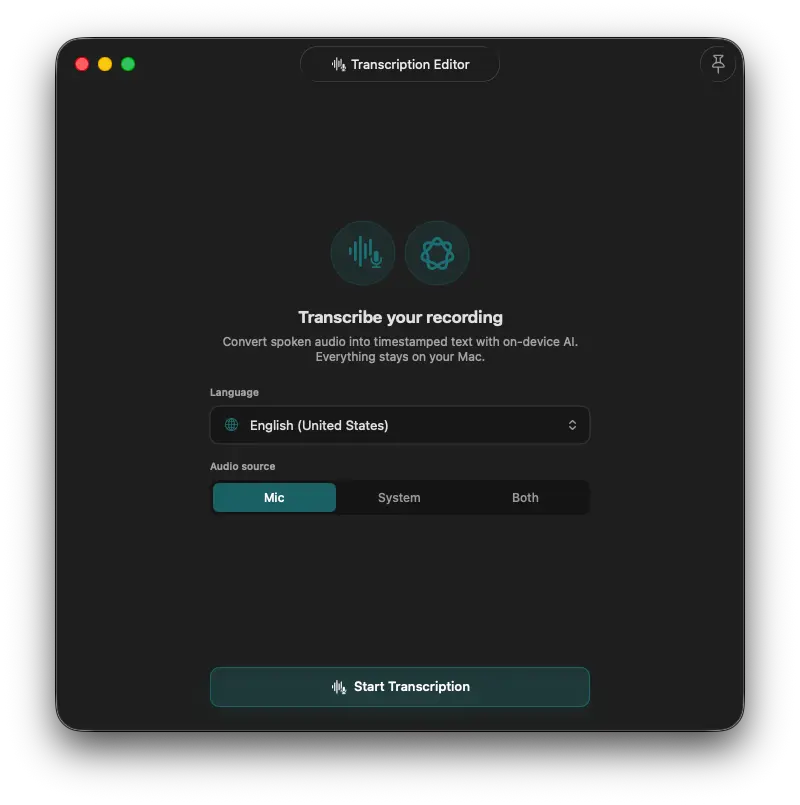
Transcribe microphone, system audio, or both. Use on-device AI to enhance or summarize.
Your audio stays on your Mac.
Transcribe
Mic, system, or both
Refine
Rewrite or enhance
Caption
Add it to your video
Everything is documented. Catch up on major releases, refinements, and the small fixes that make recording and editing smoother.
View the changelogMany of the fixes and improvements come from your feedback. Spotted something that could be better? Let us know.
The in-app Report CenterYes! There will also be a camera preview overlay on your screen, but it won't be visible in the recording. You can easily reposition and resize your camera over the recording in the editing stage.